
Prompt Engineering: RTITCO + JSON Handoffs for Consistent Output
Use structured prompts (RTITCO) and JSON-first workflows to ensure outputs are consistent, auditable, and automation-ready.

Drew Semiraro
Sep 24, 2025
TL;DR
Structure wins: Use RTITCO (Role, Task, Input, Tools, Constraints, Output) to turn vague asks into reliable outputs.
JSON-first: Plan in JSON first, then produce the final asset from that plan (two-pass).
Automation-ready: Machine-readable outputs plug directly into Notion, Slack, Gmail (draft), n8n/Zapier/Make.
Fewer rewrites: Clarify first, be blunt, lock length/format, validate against “Success is…”.
Scale: Treat prompts + schemas like product configs (version, reuse, govern).
Why Structured Prompting + JSON?
Free-form prompts = free-form answers. That’s fine for ideation, painful for production.
Structured prompting gives the model an explicit contract; JSON outputs make results parsable, testable, repeatable. You’ll see:
Higher prompt adherence (tone/length/required sections)
Consistent formatting across runs/models
Easy handoff to automations (no brittle regex)
Clear audit trail (prompt → plan JSON → final)
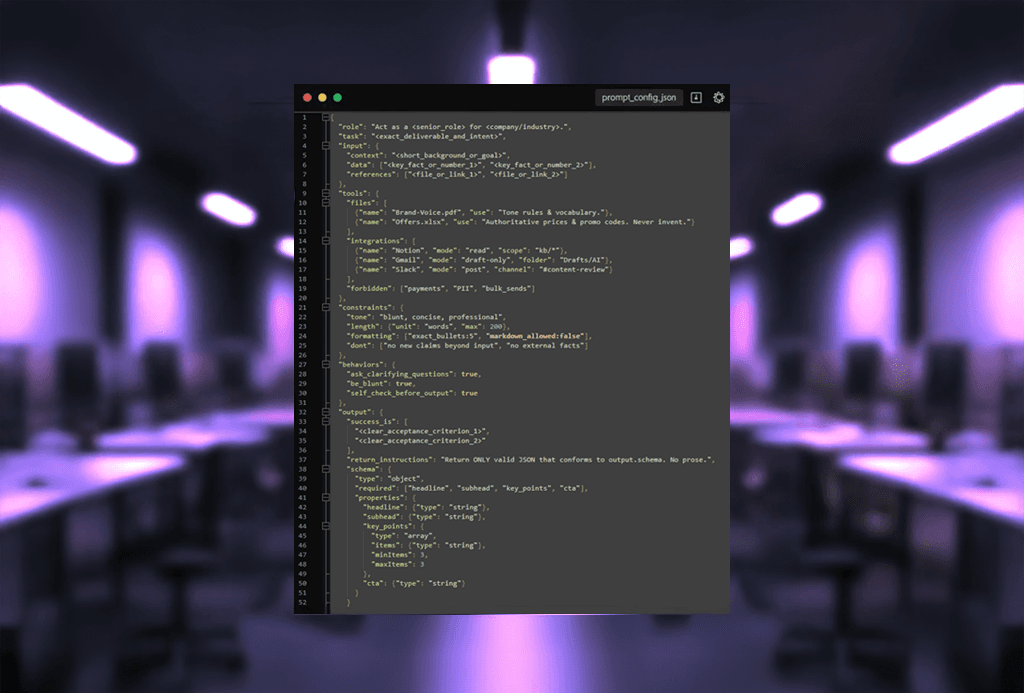
The RTITCO Blueprint (Copy-Paste)
Use this as your default skeleton for any high-stakes prompt.
The JSON-First, Two-Pass Workflow
Pass 1 — Plan (JSON only)
Ask for a structured plan as valid JSON you can review or validate.
Prompt (example):
Sample plan JSON:
Pass 2 — Produce (from approved plan)
Feed the plan back. Enforce tone/length and “Success is…” criteria.
Prompt (example):
Why it works: The model “thinks” structurally first, then “writes” to spec. You get coverage of all required elements, consistent format, and a machine-readable artifact for QA.
The Tools Manifest (Make Capabilities Explicit)
Put this “runbook” in your prompt so the model knows what it may use and what’s forbidden.
Bullet form
Files
Brand-Voice.pdf— tone/phrases to enforceOffers.xlsx— product names, prices, promo codes (no guessing)
Integrations
Notion (read-only) — cite page titles
Gmail (draft-only) — create drafts in
Drafts/AI; do not sendSlack (post-only) — post preview to
#content-review
Forbidden — payments, PII, bulk sends
JSON form
Real-World Recipes
1) Weekly Promo Email
Mode: Thinking
Flow: Plan JSON (subject, preheader, 3 bullets, CTA) → final copy → n8n renders HTML, creates Gmail draft, posts Slack preview.
Success is: Subject ≤ 60 chars; 3 bullets use real prices; clear deadline.
2) Blog → Social → Email Cascade
Mode: Thinking → Extended
Flow: Research brief (citations) → outline (JSON) → long-form → auto-extract meta/title/CTAs/social snippets via schema keys.
Tip: Keep one master plan JSON; generate multiple assets from it.
3) Paid Media Variations
Mode: Instant for ideation, Thinking for finals
Flow: Rapid 20 headlines in Instant → choose 5 → Thinking refines copy to exact character limits → image prompts derived from a creative brief JSON.
4) Data Extraction / Triage
Mode: Thinking
Flow: Input text → JSON extract (
priority,issue_type,due_date) → automation routes to Notion/Asana/Slack.Guardrail: Validate against a JSON Schema before actions.
Guardrails That Actually Reduce Rewrites
Clarify first: “Ask me clarifying questions before providing an Output.”
Be blunt: Removes hedging/filler; increases review speed.
Length locks: “Exactly 5 bullets”, “≤120 words”.
Style anchors: Paste 2–3 on-brand lines and say “match this style.”
Self-check: “Validate against ‘Success is…’; fix before output.”
Schema checks: If JSON → validate; retry on failure.
ChatGPT Agents vs n8n Agents (Quick Decision)
ChatGPT Agents (in-chat): Multi-step reasoning, tool calls, great for creative/knowledge work and ad-hoc tasks.
n8n Agents (workflow): Schedules, webhooks, retries, logs, hits any API, sends emails, writes to CRMs—best for production.
Pattern: Design the schema + reasoning in ChatGPT; run at scale in n8n.
Implementation Checklist
Choose mode deliberately (Instant for drafts, Thinking/Extended for finals)
Use RTITCO every time
Get a JSON plan before production
Version schemas and prompts (treat as product configs)
Validate JSON; log prompt → plan → output
Wire to Notion/Slack/Gmail; schedule in n8n
FAQs
What problem does “structured prompting + JSON” solve?
Free-form prompts produce inconsistent, hard-to-automate outputs. A structured prompt + JSON contract makes results parsable, testable, and repeatable—so tone, length, and sections stay on-spec and can flow straight into tools (Notion/Slack/Gmail/n8n/Zapier/Make).
What is RTITCO and how do I use it?
RTITCO = Role, Task, Input, Tools, Constraints, Output. Use it as a skeleton in every high-stakes prompt to define who the model is, what to produce, what sources/tools are allowed, the rules (tone/length/evidence), and the exact output format + “Success is…” acceptance criteria.
Why a two-pass, JSON-first workflow?
Pass 1 (Plan): the model returns only a validated JSON plan (no prose). Pass 2 (Produce): you feed that JSON back to generate the final asset. This separates “think structurally” from “write to spec,” improving coverage and making QA and automation trivial.
What belongs in a Tools Manifest—and why?
List files, integrations, and forbidden actions explicitly (e.g., Brand-Voice.pdf, Offers.xlsx; Notion read-only, Gmail draft-only; forbid payments/PII/bulk sends). This sets clear capabilities and prevents the model from guessing or overreaching.
Which guardrails actually cut rewrites?
Ask clarifying questions first, be blunt, lock length/format (“exactly 5 bullets”), anchor style with sample lines, self-check against “Success is…”, and validate JSON against a schema (retry on failure). These tighten adherence and speed review.
When should I use ChatGPT agents vs n8n agents?
Use ChatGPT (in-chat) for multi-step reasoning, creative/knowledge work, and designing schemas/plans. Use n8n for production automation—schedules, webhooks, retries, logs, API calls, CRM writes, emails. Pattern: design in ChatGPT; run at scale in n8n.
More Insights
[
AI AUTOMATION
]
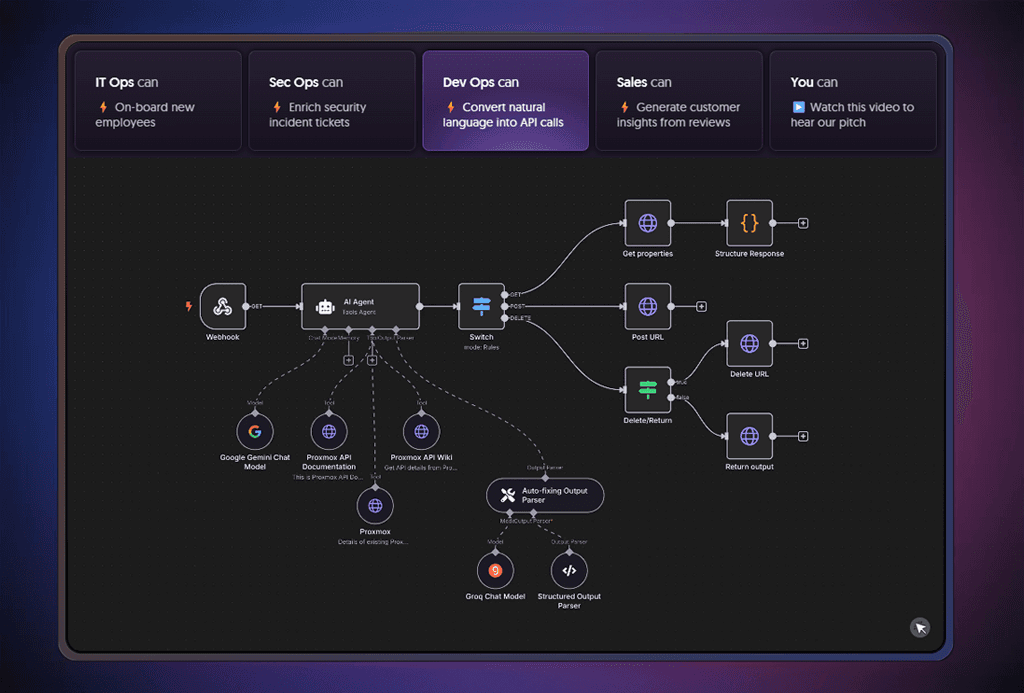
5 Business Tasks You Didn’t Know n8n Can Automate
Explore five high-value n8n automations you can build fast—AI meeting follow-ups, lead-nurture DMs, phone agents, support triage, and auto-publishing—with templates to start.
[
Paid Media
]
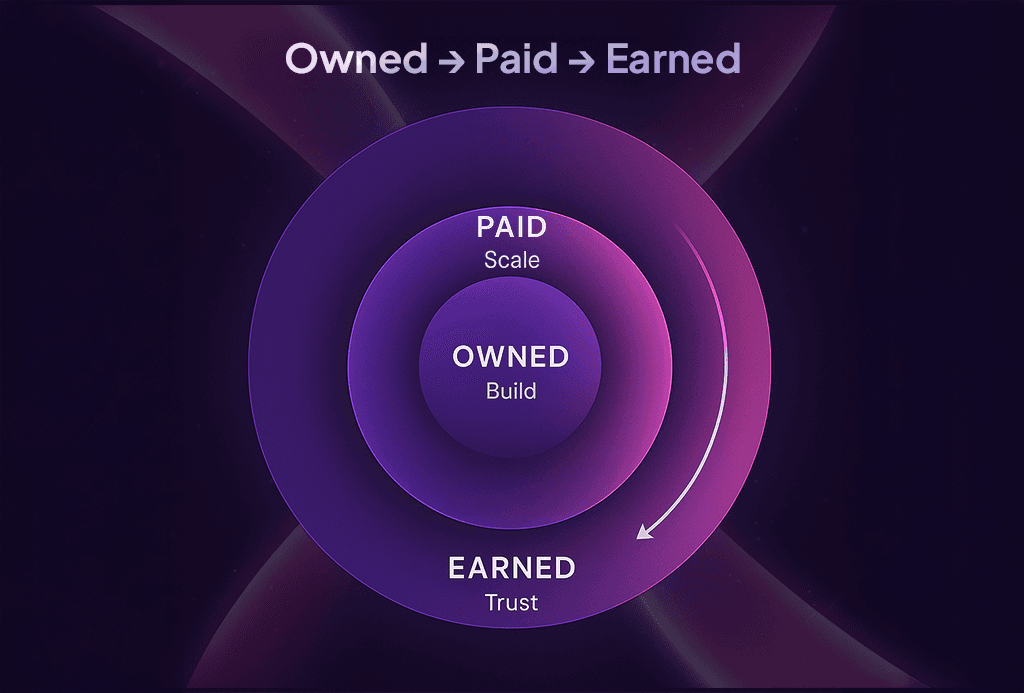
Stop Wasting Ad Spend: Owned → Paid → Earned
Build high-converting owned assets, scale with paid, and amplify with earned. Don’t let ad spend go to waste in 2025.
[
AI AUTOMATION
]
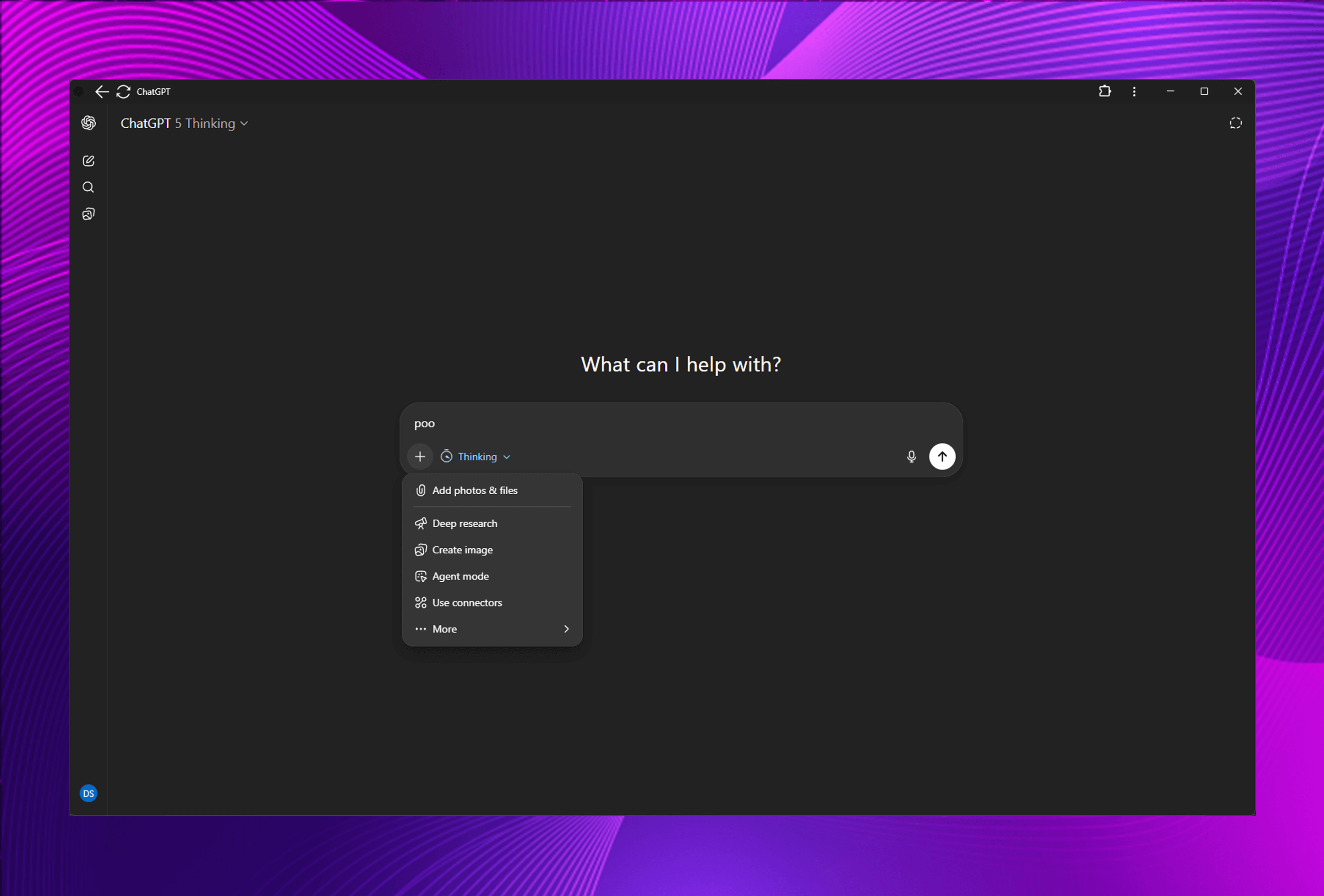
ChatGPT-5 Thinking Modes & New Tools Explained
Deep Research, Agents, Canvas, Web Search, Image Creation—A Practical Guide to Commercial-Grade Output