
ChatGPT-5 Thinking Modes & New Tools Explained
Deep Research, Agents, Canvas, Web Search, Image Creation—A Practical Guide to Commercial-Grade Output

Drew Semiraro
Sep 24, 2025
TL;DR
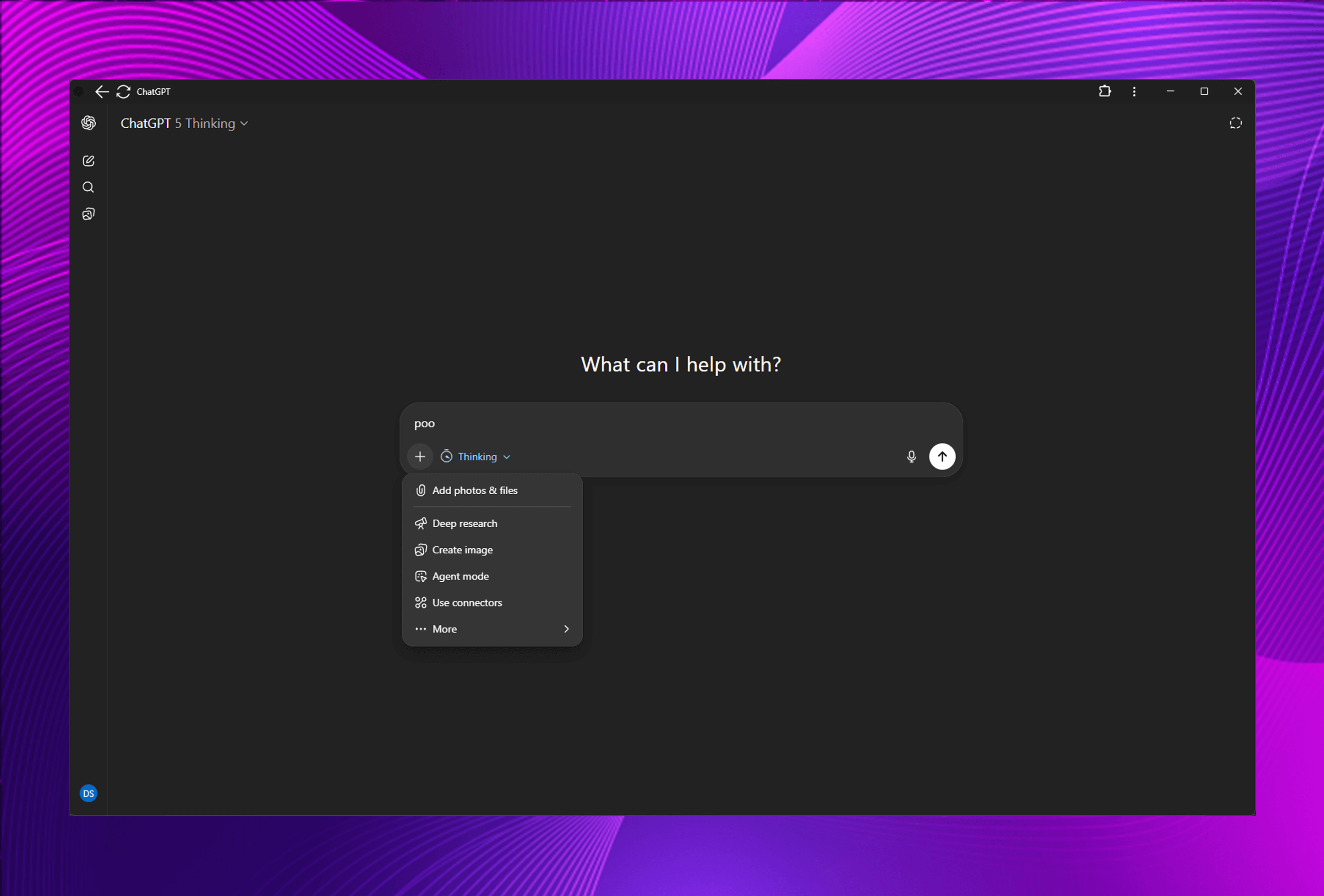
ChatGPT-5 adds selectable thinking modes (Auto, Instant, Thinking, Extended Thinking, Pro) plus new features—Deep Research, Create Image, Agent Mode, Study & Learn, Web Search, and Canvas. Use Instant for speed, Thinking for analysis, Extended for thoroughness, and Pro (if available) for research-grade work. Pair these with a JSON-first, two-pass prompt (Role-Task-Input-Tools-Constraints-Output; RTITCO) to get consistent, automation-ready results that drop into your toolchain (Notion, Slack, Gmail, n8n, etc.).
Why this matters
Most disappointments with AI come from mode-mismatch (you asked for depth but used a fast mode) or prompt ambiguity. ChatGPT-5 lets you set the thinking gear and gives you workflow features that turn one-off chats into repeatable production assets.
The Thinking Modes (When to Use What)
Auto – Hands-off routing. Good for casual use. Manually override for critical tasks.
Instant – Prioritizes speed. Use for quick answers, idea lists, starter drafts, small code snippets.
Thinking – Structured reasoning. Use for analysis, strategy, troubleshooting, longer copy with logic.
Extended Thinking – More time & depth. Use for high-stakes analysis, long reports, multi-step plans.
Pro (if available) – Research-grade depth and large context. Use for expert reviews, long docs, complex modeling.
Rule of thumb:
Quick & low-risk → Instant.
Nuanced or multi-step → Thinking.
Exhaustive or high-stakes → Extended/Pro.
The New Feature Set (What They Do & Best Uses)
1) Deep Research
A guided research workflow that spends more time synthesizing sources, organizing findings, and surfacing contradictions.
Best for: Landscape scans, competitor briefs, policy/technical digest, annotated outlines.
Tip: Pair with Extended Thinking for comprehensive, citation-rich takeaways; follow with your JSON second pass to standardize format.
2) Create Image
Inline image generation (DALL·E-class) with prompt, style, and size controls.
Best for: Blog headers, diagrams, ad concepts, UI mockups, iconography.
Tip: Precede with a content brief in JSON (audience, mood, brand colors, do/don’t) so image prompts inherit brand rules.
3) Agent Mode
Lets ChatGPT run multi-step tasks (reason, call tools, iterate) toward a goal.
Best for: Data transforms, content pipelines, QA passes, routine ops checklists.
ChatGPT Agents vs n8n Agents:
ChatGPT Agents = in-chat autonomy with built-in tools; great for creative/knowledge work.
n8n Agents = workflow-native automations with APIs, webhooks, schedulers, queues; best for production systems (send emails, write to CRMs, trigger Slack alerts).
Pattern: Design & validate the reasoning + JSON schema in ChatGPT; operationalize in n8n for reliability and traceability.
4) Study & Learn
Turns content into micro-courses: learning objectives, summaries, quizzes, spaced recall.
Best for: Onboarding, product knowledge, SOP refreshers, certification study.
Tip: Upload a PDF/manual, ask for a role-based curriculum + quiz bank; export to LMS or Notion.
5) Web Search
Pulls current information from the open web for fresh, attributable answers.
Best for: Market stats, recent news, library docs, product specs.
Tip: Request inline citations and a sources JSON so you can audit and store references.
6) Canvas
A shared, always-on workspace for long-form drafting and code (great for proposals, specs, multi-file artifacts).
Best for: Iterating on case studies, sales decks, landing pages, React components.
Tip: Use Canvas to co-edit; keep the authoritative structure in JSON so you can re-render variants programmatically.
Proven Workflow: JSON-First, Two-Pass (RTITCO)
Pass 1 – Plan in JSON
Role, Task, Input, Tools, Constraints, Output schema (RTITCO).
Require: “Ask clarifying questions first; be blunt.”
Return only the JSON plan.
Pass 2 – Produce
Feed the JSON back as
planand ask for the deliverable (copy, brief, image prompts, code).Benefits: higher adherence, easy QA, and automation-ready.
Works brilliantly with Thinking/Extended: the model spends effort once (the plan), then you can produce many consistent assets (email, ad, blog, image) from the same schema.
Practical Recipes for Business/Marketing
1) Content Ops (Blog → Social → Email)
Mode: Thinking → Extended
Features: Deep Research, Canvas
Flow: Research brief (citations) → outline → long-form draft → JSON snippets for meta, CTAs, social posts → publish.
2) Paid Media Creative Sprints
Mode: Instant → Thinking
Features: Create Image, Canvas
Flow: Idea list in Instant → select winners → Thinking expands to copy variations → image prompts → export to ad manager.
3) Data Summaries & Exec Briefs
Mode: Thinking / Extended
Features: Web Search, Agent Mode
Flow: Pull fresh stats + sources → normalize → executive TL;DR + risk/assumptions → JSON highlights for slide import.
4) Knowledge Onboarding
Mode: Thinking
Features: Study & Learn, Canvas
Flow: Upload docs → learning objectives → modules → quizzes → spaced reminders.
Quick Comparisons (When you might reach for another tool)
Claude – Huge context; excellent for very long documents/codebases.
Gemini – Strong live search + Google Workspace integration; polished image generation.
Microsoft Copilot – Deeply embedded in M365; unbeatable for Word/Excel/Outlook/Teams workflows.
ChatGPT-5 Advantage – Selectable thinking modes + rich creation features (Deep Research, Canvas, Agents, Images) in one place.
Implementation Guardrails
Choose the mode deliberately (don’t let Auto decide for big tasks).
Keep your JSON schemas versioned; log inputs/outputs.
Pin sources when using Web Search/Deep Research.
Separate “creative draft” (Instant) from “final analysis” (Thinking/Extended).
Operationalize in n8n for sending emails, posting to Slack, updating CRMs, and scheduling.
FAQs
How do I pick the right thinking mode?
Use the rule of thumb: Instant for quick/low-risk (lists, starters), Thinking for nuanced/multi-step (analysis, strategy), Extended Thinking (or Pro, if available) for exhaustive/high-stakes (reports, complex plans). Auto is fine for casual, but override for critical tasks.
What’s the difference between Web Search and Deep Research?
Web Search fetches fresh facts with citations—great for up-to-date stats and specs. Deep Research is a guided workflow that spends more time synthesizing sources, organizing findings, and flagging contradictions—best for landscape scans, competitor briefs, and annotated outlines. Pair Deep Research with Extended Thinking for citation-rich takeaways.
What is the JSON-first, two-pass (RTITCO) workflow—and why use it?
Pass 1 creates a blunt, clarifying plan in JSON: Role, Task, Input, Tools, Constraints, Output. Pass 2 feeds that JSON back to produce the deliverable. Benefits: higher adherence, easy QA, consistent outputs you can drop into Notion/Slack/Gmail/n8n.
When should I use Agent Mode vs n8n?
Agent Mode = in-chat autonomy for multi-step reasoning with built-in tools—great for creative/knowledge work (content pipelines, QA passes). n8n = workflow-native automations (APIs, webhooks, schedulers, queues) for production reliability (send emails, update CRMs, trigger Slack). Design the reasoning + JSON schema in ChatGPT; operationalize in n8n.
Give me a practical recipe for Content Ops.
Modes: Thinking → Extended. Features: Deep Research, Canvas. Flow: research brief with citations → outline → long-form draft in Canvas → JSON snippets for metadata/CTAs/social → publish. (For ad sprints: start in Instant for idea lists, then Thinking expands copy; use Create Image for concepts.)
What guardrails avoid disappointment and keep outputs production-ready?
Pick the mode deliberately (don’t rely on Auto for big tasks), keep JSON schemas versioned, pin sources when using Web Search/Deep Research, separate “creative draft” (Instant) from “final analysis” (Thinking/Extended), and operationalize execution in n8n for reliability and traceability.
More Insights
[
AI AUTOMATION
]
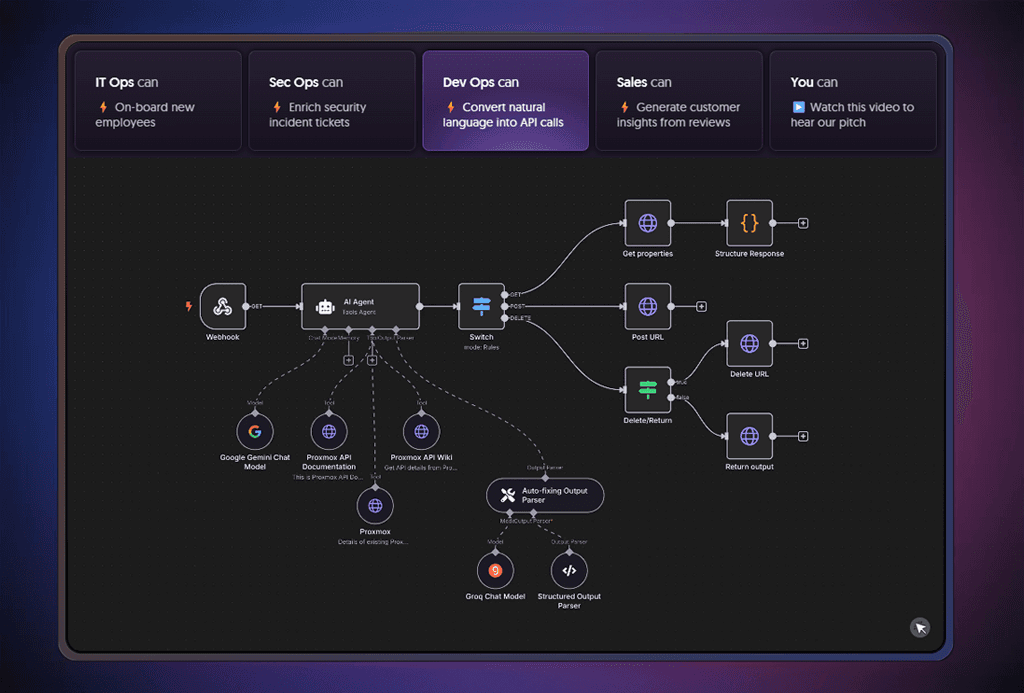
5 Business Tasks You Didn’t Know n8n Can Automate
Explore five high-value n8n automations you can build fast—AI meeting follow-ups, lead-nurture DMs, phone agents, support triage, and auto-publishing—with templates to start.
[
Paid Media
]
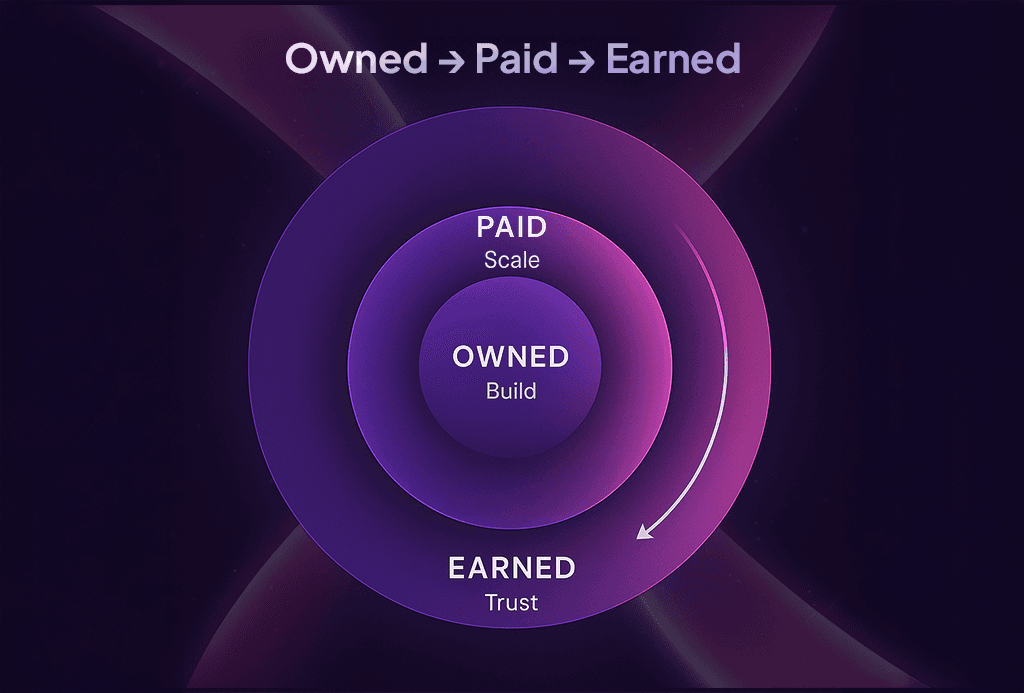
Stop Wasting Ad Spend: Owned → Paid → Earned
Build high-converting owned assets, scale with paid, and amplify with earned. Don’t let ad spend go to waste in 2025.
[
TIPS
]
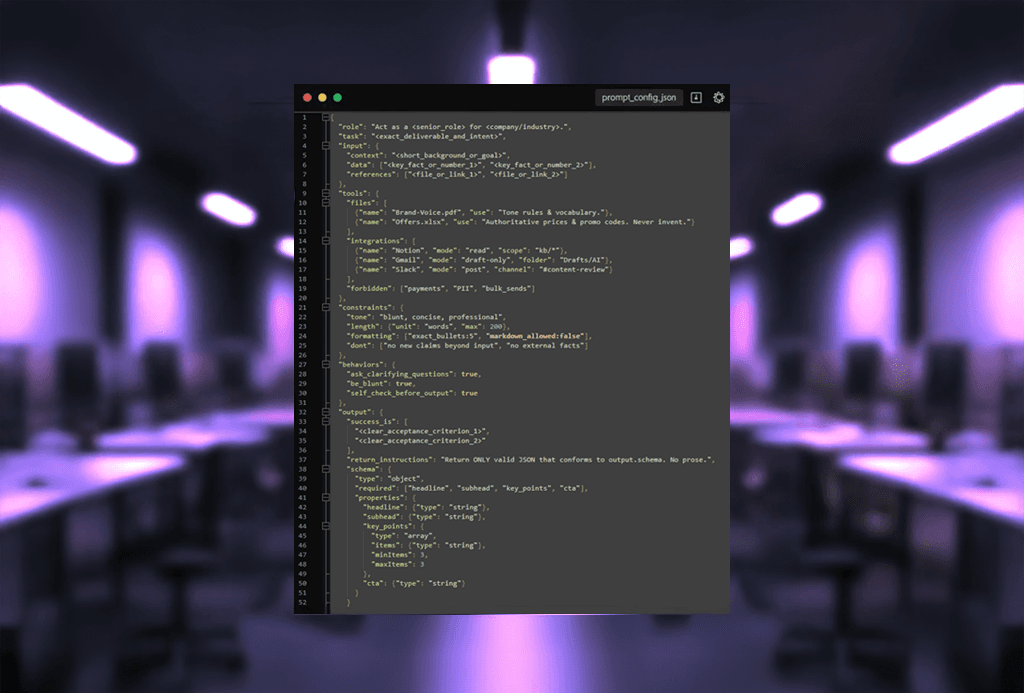
Prompt Engineering: RTITCO + JSON Handoffs for Consistent Output
Use structured prompts (RTITCO) and JSON-first workflows to ensure outputs are consistent, auditable, and automation-ready.